Importing phone numbers from third-party platforms
Last updated: August 28, 2025
Our platform currently supports phone numbers from the United States, Australia, and Canada. If you need to import a phone number from a different region or want to use your own phone number, you can directly import phone numbers to our platform.
This guide will specifically assist you in importing phone numbers from Twilio.
Steps to Import Twilio Phone numbers:
Copy the Auth ID and Auth Token from Twilio

Navigate to our Dashboard:
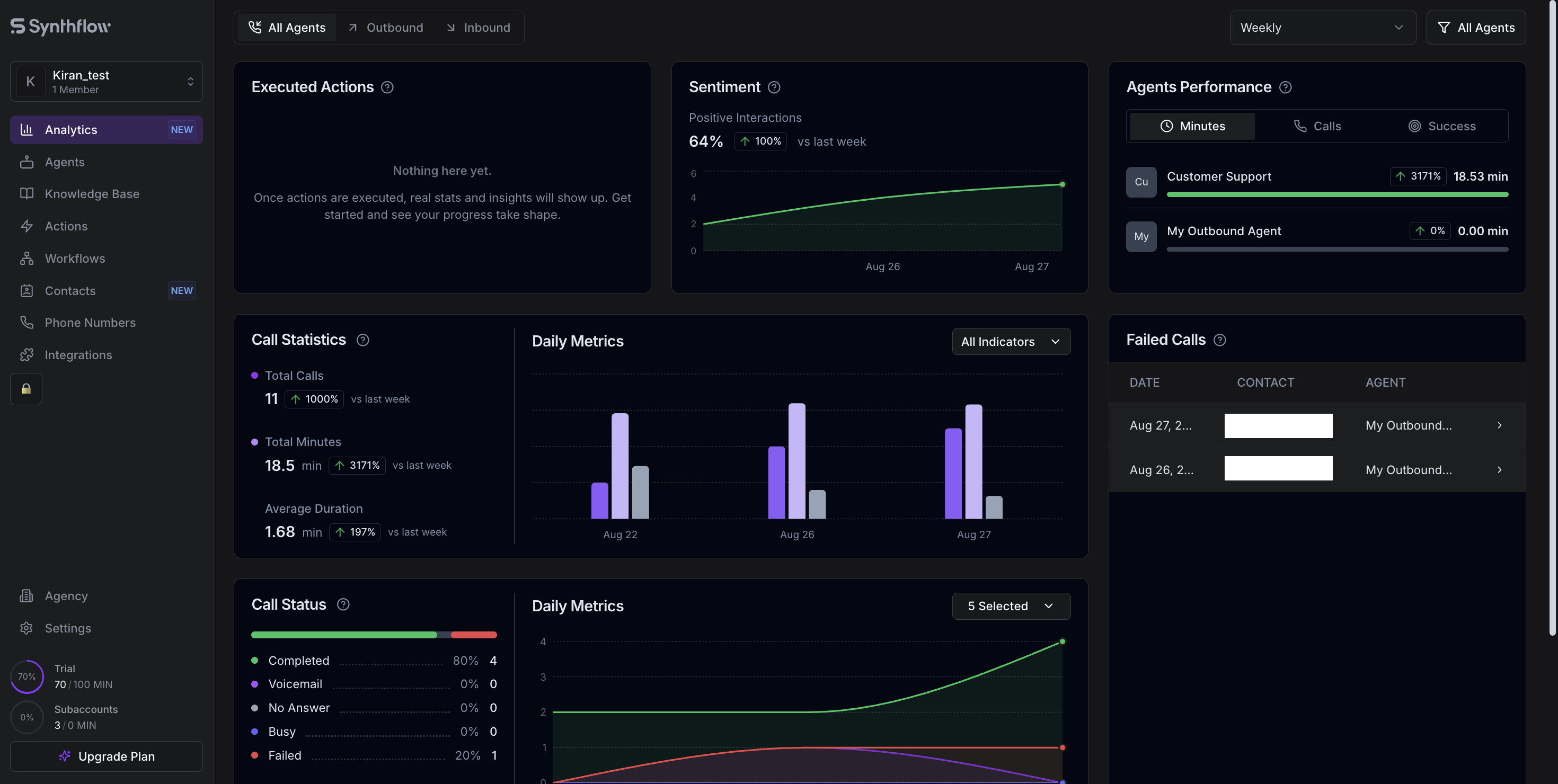
Click on Integrations
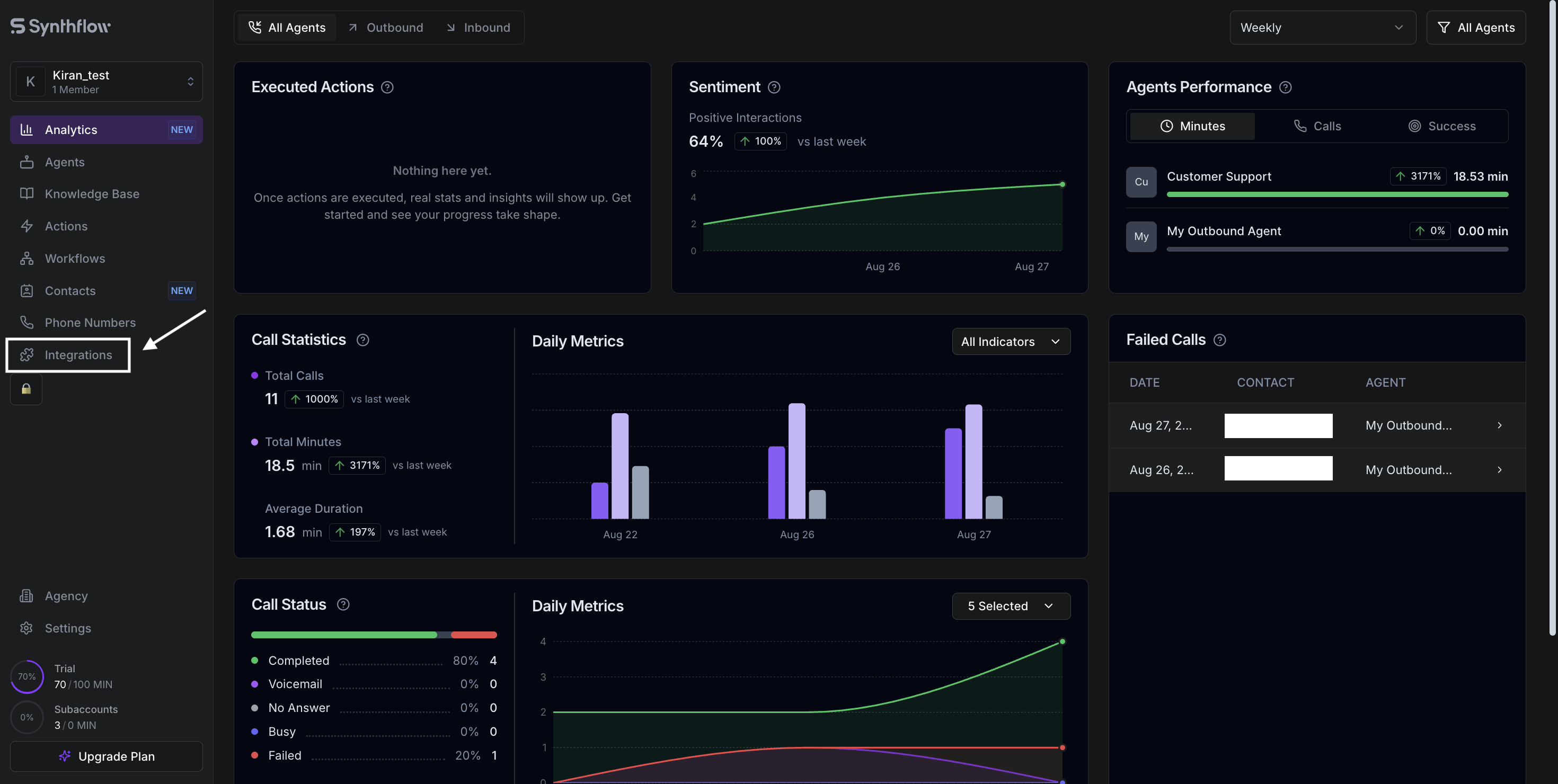
Click on “Third Parties” -> “Twilio.” Enter the Auth ID and Auth Token copied from Twilio. Then, hit “Connect” to link both platforms.
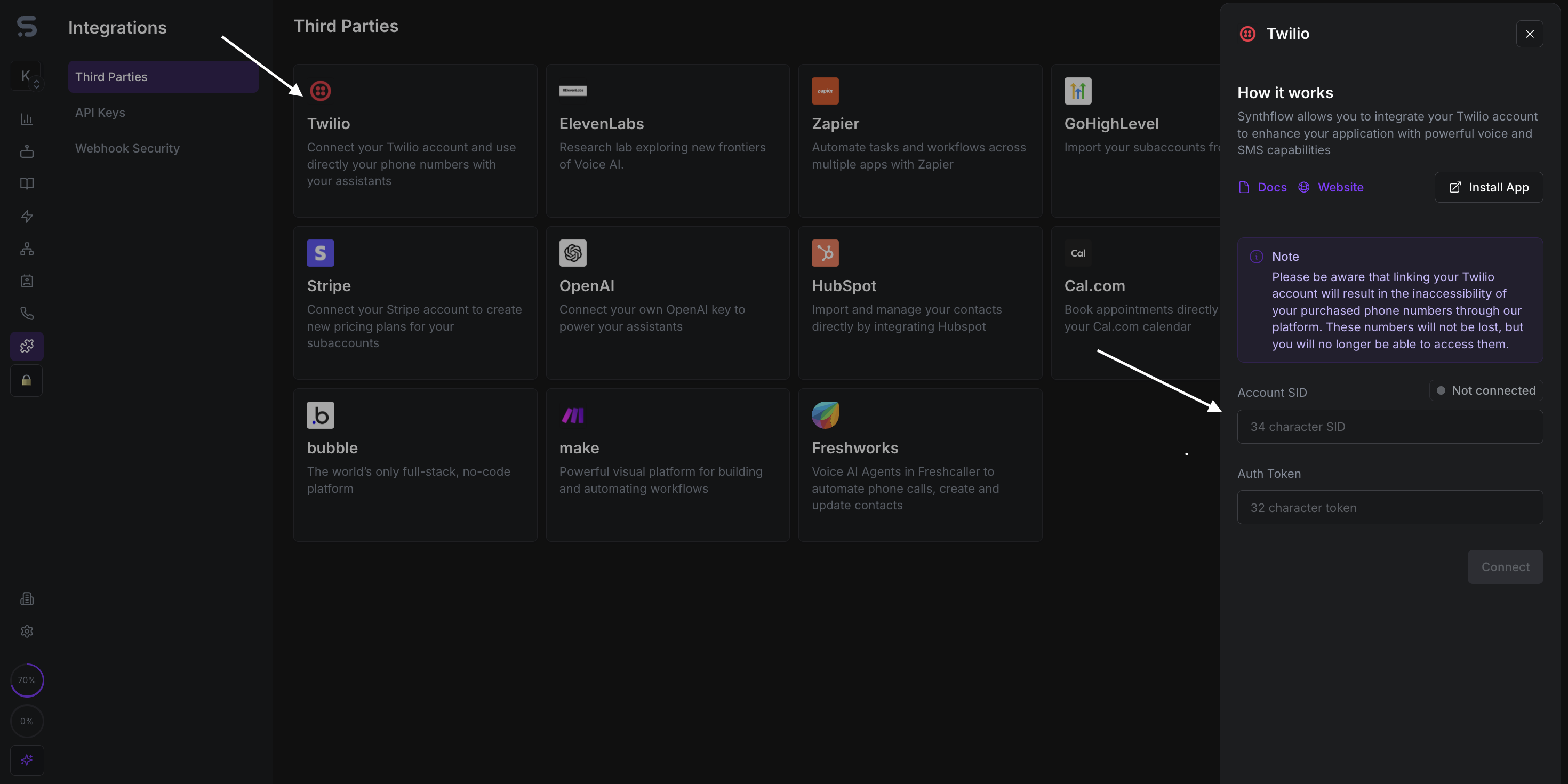
Once the status of your Twilio account changes to “connected,” all the phone numbers in your Twilio account will be imported to your Synthflow account. You can find the imported phone numbers under the “Phone Numbers” tab.
You can import numbers from other platforms as well. Currently, this can only be done using a SIP trunking solution. Please contact us for more information regarding this.